Develop AI applications using Weaviate's APIs and tools
Deploy
Deploy, configure, and maintain Weaviate Database
Query Agent
Run agentic search over your Weaviate Cloud collections
Weaviate Cloud
Manage and scale Weaviate in the cloud
Engram
Persistent memory for LLM agents and applications
Additional resources
Integrations
Weaviate Academy
Need help?
Ask AI Assistant⌘K
Support
Community Forum
Contributor guide
Monitoring
Weaviate can expose Prometheus-compatible metrics for monitoring. A standard
Prometheus/Grafana setup can be used to visualize metrics on various
dashboards.
Metrics can be used to measure request latencies, import
speed, time spent on vector vs object storage, memory usage, application usage,
and more.
To tell Weaviate to collect metrics and expose them in a Prometheus-compatible
format, all that's required is to set the following environment variable:
PROMETHEUS_MONITORING_ENABLED=true
By default, Weaviate will expose the metrics at <hostname>:2112/metrics. You
can optionally change the port to a custom port using the following environment
variable:
Docker Compose is used to provide a fully-configured setup that can be
started with a single command.
Weaviate is configured to expose Prometheus metrics as outlined in the
section above.
A Prometheus instance is started with the setup and configured to scrape
metrics from Weaviate every 15s.
A Grafana instance is started with the setup and configured to use the
Prometheus instance as a metrics provider. Additionally, it runs a dashboard
provider that contains a few sample dashboards.
When using multi-tenancy, we suggest setting the PROMETHEUS_MONITORING_GROUPenvironment variable as true so that data across all tenants are grouped together for monitoring.
Be aware that metrics do not follow the semantic versioning guidelines of other Weaviate features. Weaviate's main APIs are stable and breaking changes are extremely rare. Metrics, however, have shorter feature lifecycles. It can sometimes be necessary to introduce an incompatible change or entirely remove a metric, for example, because the cost of observing a specific metric in production has grown too high. As a result, it is possible that a Weaviate minor release contains a breaking change for the Monitoring system. If so, it will be clearly highlighted in the release notes.
The list of metrics that are obtainable through Weaviate's metric system is constantly being expanded. The complete list of metrics can be found in the source code files:
This page describes metrics and their uses. Typically metrics are quite granular, as they can always be aggregated later on. For example if the granularity is "shard", you could aggregate all "shard" metrics of the same "class" (collection) to obtain a class metrics, or aggregate all metrics to obtain the metric for the entire Weaviate instance.
Duration of a single batch operation in ms. The operation label further defines what operation as part of the batch (e.g. object, inverted, vector) is being used. Granularity is a shard of a class.
operation, class_name, shard_name
Histogram
batch_delete_durations_ms
Duration of a batch delete in ms. The operation label further defines what operation as part of the batch delete is being measured. Granularity is a shard of a class
Numbers of objects present. Granularity is a shard of a class
class_name, shard_name
Gauge
objects_durations_ms
Duration of an individual object operation, such as put, delete, etc. as indicated by the operation label, also as part of a batch. The step label adds additional precision to each operation. Granularity is a shard of a class.
The total capacity of the vector index. Typically larger than the number of vectors imported as it grows proactively.
class_name, shard_name
Gauge
vector_index_operations
Total number of mutating operations on the vector index. The operation itself is defined by the operation label.
operation, class_name, shard_name
Gauge
vector_index_durations_ms
Duration of regular vector index operation, such as insert or delete. The operation itself is defined through the operation label. The step label adds more granularity to each operation.
operation, step, class_name, shard_name
Summary
vector_index_maintenance_durations_ms
Duration of a sync or async vector index maintenance operation. The operation itself is defined through the operation label.
operation, class_name, shard_name
Summary
vector_index_tombstones
Number of currently active tombstones in the vector index. Will go up on each incoming delete and go down after a completed repair operation.
class_name, shard_name
Gauge
vector_index_tombstone_cleanup_threads
Number of currently active threads for repairing/cleaning up the vector index after deletes have occurred.
class_name, shard_name
Gauge
vector_index_tombstone_cleaned
Total number of deleted and removed vectors after repair operations.
class_name, shard_name
Counter
vector_index_tombstone_unexpected_total
Total number of unexpected tombstones that were found, for example because a vector was not found for an existing id in the index
A ratio (percentage) of startup progress for a particular component in a shard
operation, class_name, shard_name
Gauge
startup_durations_ms
Duration of individual startup operations in ms. The operation itself is defined through the operation label.
operation, class_name, shard_name
Summary
startup_diskio_throughput
Disk I/O throughput in bytes/s at startup operations, such as reading back the HNSW index or recovering LSM segments. The operation itself is defined by the operation label.
These metrics track asynchronous replication operations for maintaining data consistency across replicas.
Changed in v1.38
As of Weaviate v1.38, async replication runs through a centralized scheduler with a bounded worker pool (replacing the previous per-shard goroutines). The async_replication_scheduler_* metrics below are new in v1.38, and the async_replication_goroutines_running metric has been removed.
Metric
Description
Labels
Type
async_replication_scheduler_worker_pool_size
Current target size of the scheduler worker pool
None
Gauge
async_replication_scheduler_workers_active
Number of scheduler worker goroutines currently executing a hashbeat cycle
None
Gauge
async_replication_scheduler_shards_registered
Number of shards currently registered with the async replication scheduler
None
Gauge
async_replication_scheduler_queue_depth
Number of shards waiting in the scheduler heap (not in-flight)
None
Gauge
async_replication_hashtree_init_count
Count of async replication hashtree initializations
None
Counter
async_replication_hashtree_init_running
Number of currently running hashtree initializations
None
Gauge
async_replication_hashtree_init_failure_count
Count of async replication hashtree initialization failures
None
Counter
async_replication_hashtree_init_duration_seconds
Duration of hashtree initialization in seconds
None
Histogram
async_replication_iteration_count
Count of async replication comparison iterations
None
Counter
async_replication_iteration_failure_count
Count of async replication iteration failures
None
Counter
async_replication_iteration_duration_seconds
Duration of async replication comparison iterations in seconds
None
Histogram
async_replication_iteration_running
Number of currently running async replication iterations
None
Gauge
async_replication_hashtree_diff_duration_seconds
Duration of async replication hashtree diff computation in seconds
Added in v1.38. These metrics track tool traffic, latency, auth failures, and the live state of the runtime write-access flag for the built-in Weaviate MCP server.
Metric
Description
Labels
Type
weaviate_mcp_tool_calls_total
Total MCP tool invocations.
tool, status
Counter
weaviate_mcp_tool_call_duration_seconds
Latency of MCP tool calls (LatencyBuckets histogram).
tool, status
Histogram
weaviate_mcp_tool_calls_inflight
In-flight MCP tool calls per tool. Catches one slow tool starving the rest.
tool
Gauge
weaviate_mcp_auth_failures_total
MCP authentication and authorization failures.
reason
Counter
weaviate_mcp_tools_listed_total
tools/list calls, labeled with whether the write tool was visible in the response.
write_access
Counter
weaviate_mcp_write_access_enabled
Live state of MCP_SERVER_WRITE_ACCESS_ENABLED, polled at scrape time. Reflects runtime toggles.
None
Gauge
Label values:
tool — the MCP tool name (e.g. weaviate-query-hybrid, weaviate-objects-upsert).
status — success · error · denied · write_disabled. denied covers authorization failures classified via the Forbidden / Unauthenticated error families. write_disabled is emitted when a write call hits the runtime guard.
reason — missing_token · invalid_token · forbidden · unauthenticated. missing_token and invalid_token are detected at the principal-extraction step; forbidden and unauthenticated are detected at authorization time.
write_access — enabled / disabled, matching the live state of MCP_SERVER_WRITE_ACCESS_ENABLED at the time of the tools/list call.
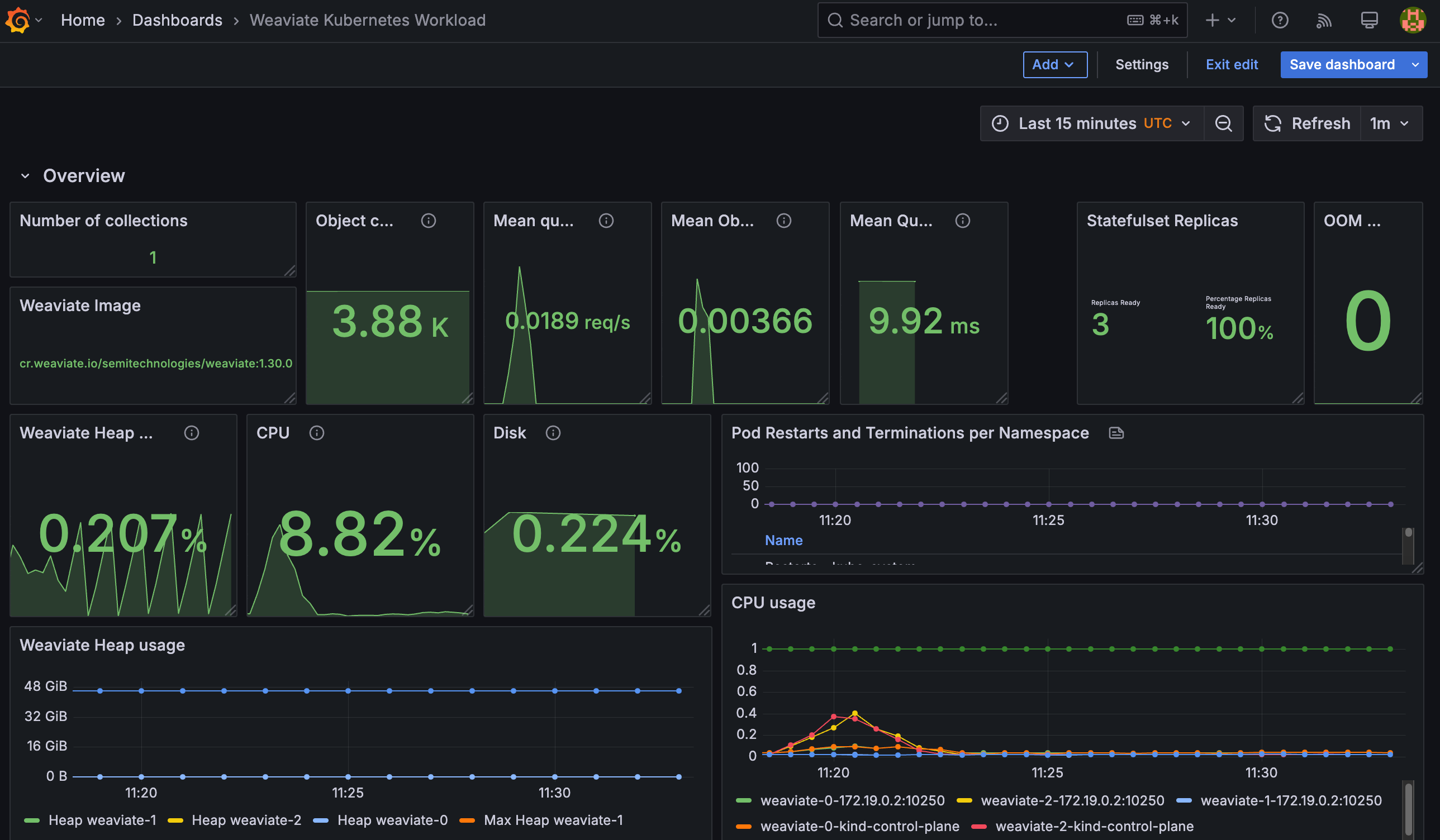
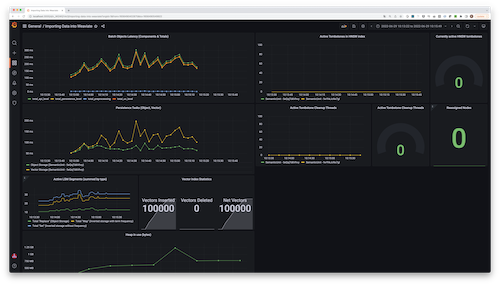
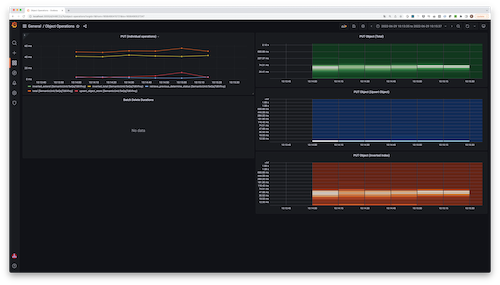
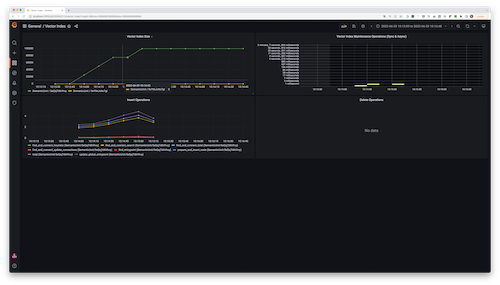
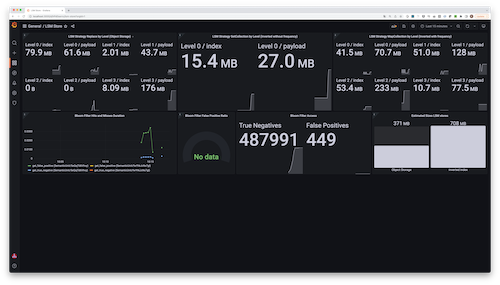
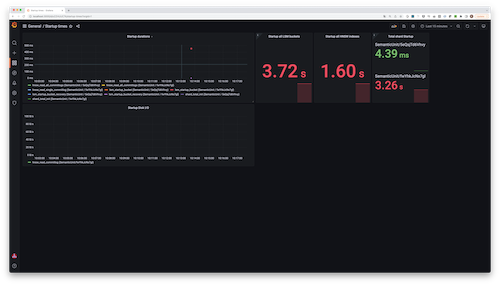
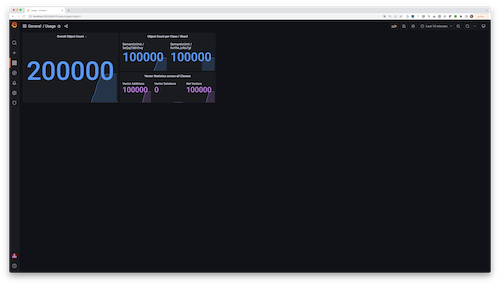
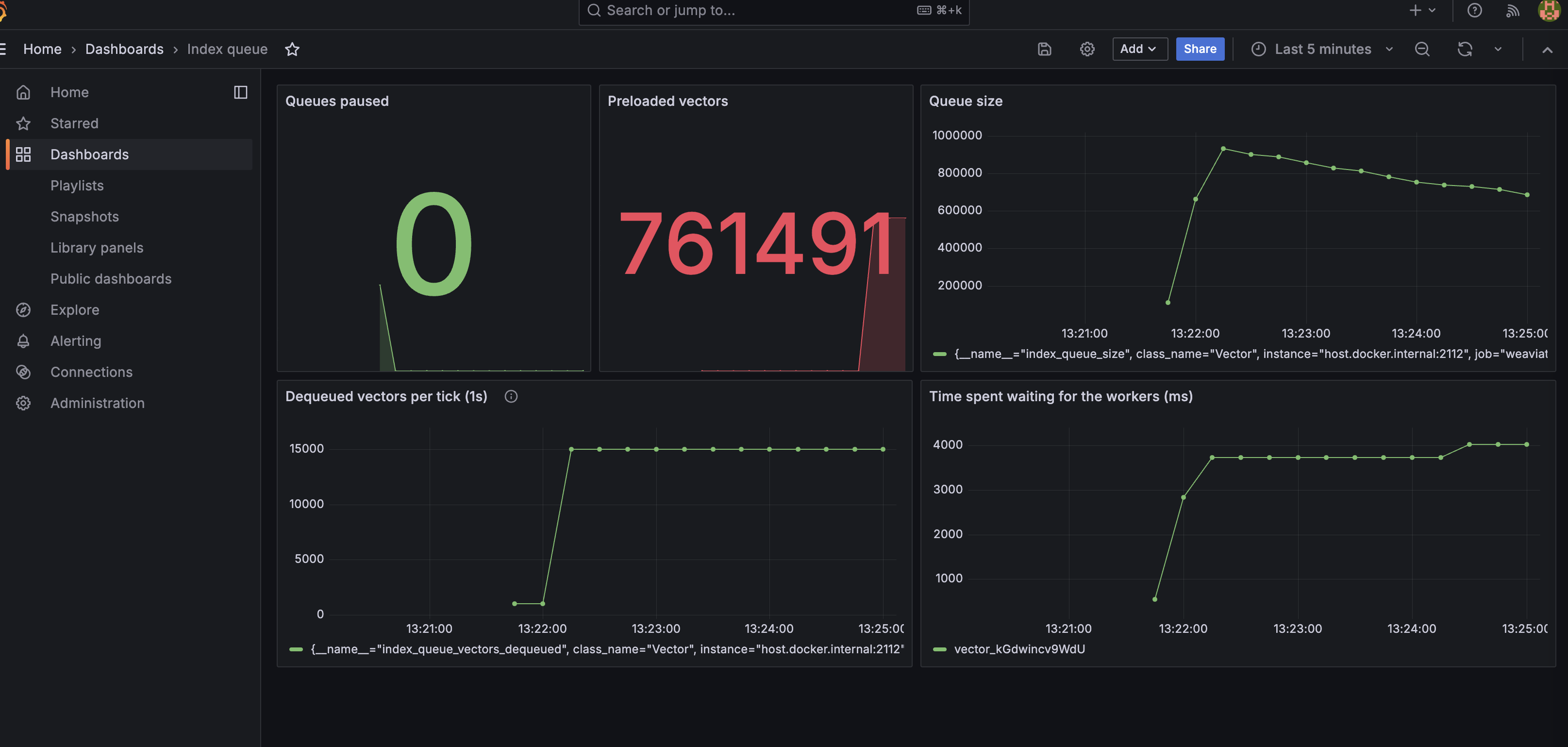
Weaviate does not ship with any dashboards by default, but here is a list of
dashboards being used by the various Weaviate teams, both during development,
and when helping users. These do not come with any support, but may still be
helpful. Treat them as inspiration to design your own dashboards which fit
your uses perfectly: